Ready-made .htaccess rules without learning Apache
The small .htaccess file at the root of your site controls big things: sending visitors to HTTPS, settling on one address with or without www, the 404 error page and caching. Writing its directives by hand is error-prone, though, and one mistake can take the whole site down. Jood's .htaccess redirect generator writes the most common rules for you, correctly.
How to use it
Under "Choose the rules", tick what you need; you can pick more than one.
Type the "Domain Name", such as example.com. It is required for the www rules and image protection.
Click "Start Now", then copy the code with "Copy Result".
The available rules
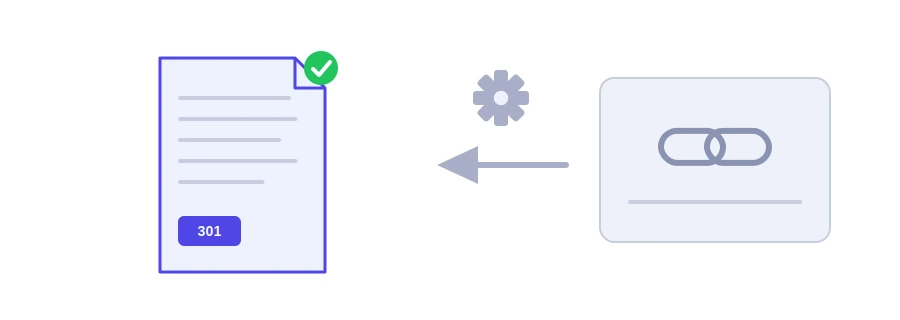
Force HTTPS: sends every http visit to https with a permanent 301 redirect. The rule recognizes a secure connection even behind Cloudflare or a proxy, so you do not end up in an endless redirect loop.
Force or remove www: pick one of the two. Combined with HTTPS, the tool writes a single redirect instead of two in a row.
Custom 404 error page: shows the /404.html file for pages that do not exist, so create that file at the site root.
File compression and browser caching: turns on gzip compression for text files and asks the browser to keep images for a year, and CSS and JavaScript files for a month.
Prevent image hotlinking: stops other sites from showing your images on their pages at the expense of your hosting, while opening an image directly still works.
Before you upload the file
.htaccess works on Apache and LiteSpeed servers, which are common on shared hosting with cPanel. Nginx servers ignore it completely.
Make a copy of your current file before any change; you may need to put it back within seconds.
On WordPress, place the rules before the # BEGIN WordPress line and leave the WordPress block alone.
Change the domain name if you move the site, or you will send visitors to the old address.
لا، ملف .htaccess خاص بـ Apache. Nginx يحتاج قواعد في إعداداته.
استعد النسخة الاحتياطية of الملف، ثم أعد إضافة القواعد واحدة واحدة لتعرف أيها السبب.
اختر نسخة واحدة والتزم بها، فتعدد النسخ يشتت الفهرسة. أيهما تختار لا يهم بقدر ثباتك عليه.
We use cookies to measure traffic and improve the site (Google Analytics), and may show ads later. Nothing is enabled without your consent. Privacy policy