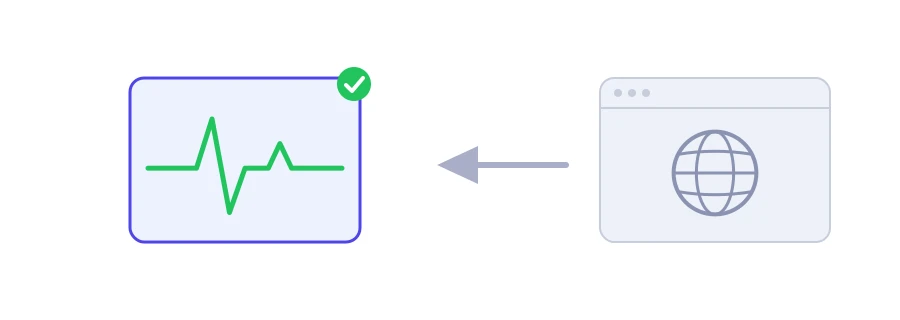
You type the address of your site, or one you need, and nothing comes up. Before you call your host or restart your router, find out where the problem is. Jood's "Is the Website Down Right Now?" tool tries to open the site from its own server rather than from your device, so you know whether the site is really down or the trouble is on your connection.
How to use it
Type the site's address in the "Website URL" box. If you leave out https://, the tool adds it.
Click "Start Now".
The result fits on one line, green if the site works and red if it does not, with the response code or the reason it failed.
How to read the result
The site is up and reachable: the server answered. That includes 403 and 404 codes, because the server is alive even if one particular page does not exist.
The site responds but with a server error: a code in the 500 family. The server is there, but the site's software, its database or an intermediary in front of it has a problem.
The site is down or cannot be reached: no answer within eight seconds, and the tool gives the reason: a domain that cannot be found, a refused connection, a timeout or an SSL certificate problem.
The tool asks for the headers first, tries again with a normal request if the server refuses, and follows up to four redirects.
If it works here but not for you
Try another network, such as mobile data instead of Wi-Fi.
Pause your VPN or security software for a moment, as some of them block sites.
Clear your device's DNS cache. On Windows, the command ipconfig /flushdns does it.
Try another browser or a private window, in case an old saved copy is to blame.
If it is down for everyone
Check the certificate with the SSL certificate checker: an expired certificate blocks the site in every browser.
Make sure the domain still points to the server with the DNS records lookup, and that nobody forgot to renew it.
If your site only works over http, type http:// explicitly, because the tool starts with https.
Note: sites protected by services like Cloudflare may answer an automated check with 403 or 503 even while they work for visitors. To check one particular page, use the HTTP status code and redirect checker.
We use cookies to measure traffic and improve the site (Google Analytics), and may show ads later. Nothing is enabled without your consent. Privacy policy